
Don't live the real life horror story of hackers taking over your accounts and mobile phone number

|
||
|
|
||
|
||
|
Don't live the real life horror story of hackers taking over your accounts and mobile phone number |
||
|
Halloween is almost upon us!
But imagine a horror story unfolding in real life ….
… that’s how victims describe dealing with the knock-on effect of dealing with a criminal hacking your email account, and as a direct result, managing to hijack your mobile number (SIM swap fraud) to intercept your calls and messages; and then further accounts being accessed, purchases being made etc.
Sadly, supporting victims of multi account compromise and fraud is a weekly occurrence for us in the Cybercrime Unit. Imagine how difficult it is to try and report these crimes and recover your accounts, without access to your own email or mobile number!
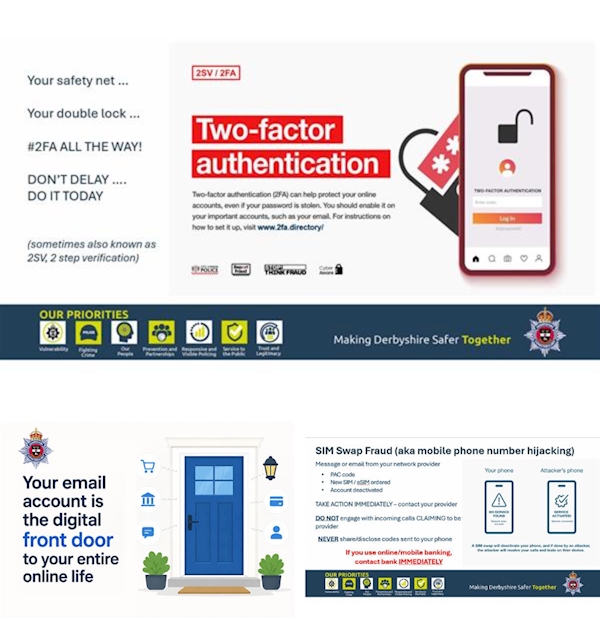
One of most effective ways you can protect your online accounts is ensuring that you set up 2 factor authentication (2FA) – also known as 2 step verification (2SV) on your email accounts. This will always be in settings – you might need to do an internet search to help with instructions, or visit www.2fa.directory
Installing and using an authenticator app is more secure than using your mobile number for authenticating.
What is 2FA / 2SV? It’s the same sort of security feature that banks use to protect our online banking.
Logging in requires you to prove it’s you the account holder logging in, before letting you access an account; making it much harder for criminals to access your accounts, even if they know your password.
Your email account is essentially your digital front door – someone gaining access can lock you out of all your own accounts, by easily resetting your passwords
If you find your email provider doesn't support 2FA/2SV, you are very strongly advised to set up a new primary email account and migrate over to that.
** Don’t delay … do it today! **
| ||
Reply to this message | ||
|


|