

|
||
|
|
||
|
||
|
Keeping your child safer online |
||
|
Hello Resident
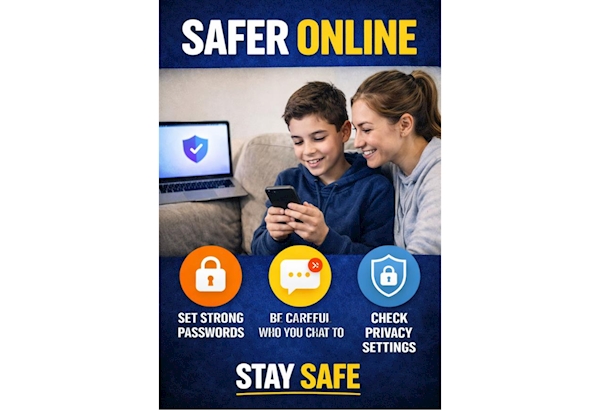
Immediate Practical Steps for Parents Establish Boundaries: Create a family agreement on internet use, including specific times and durations for device usage. Active Monitoring: Keep computers and gaming consoles in common family areas rather than bedrooms. Technical Controls: Activate parental controls through your Internet Service Provider (ISP) and on individual devices like tablets and phones to filter inappropriate content. Privacy & Location: Ensure social media accounts are set to private and disable location tracking to prevent strangers from following your child. Verify Age Ratings: Check age restrictions for apps, games, and social networks to ensure they are developmentally appropriate. Safe Online Habits to Teach Children The "Real World" Rule: Remind children that if they wouldn't say or do something in person, they should not do it online. Stranger Danger: Advise children not to share personal information or images with anyone they haven't met in real life. The "5 W's": Teach your child to ask Who is asking, What do they want, Where is the data going, When is it needed, and Why. Click Clever Code: Use the phrase "Zip It, Block It, Flag It" to encourage children to keep details private, block bullies, and report concerns. WMP Support & Educational Resources Free Workshops: WMP and the Prevent team offer free sessions for parents covering grooming, radicalisation, and gaming safety. Reporting Concerns: If your child sees something upsetting or is being bullied, report it via the West Midlands Police Live Chat or call 101. In emergencies, always dial 999. Specialist Help: For reports of online abuse or grooming, use the CEOP Reporting Tool. Removing Images: Young people under 18 can use the Childline Report/Remove service to get sexual images or videos taken down. Than you. | ||
Reply to this message | ||
|


|
