
|
||
|
|
||
|
||
|
A Guide to changing who can see your data and receive messages from |
||
|
Hi Resident
We want you to tell you about how you can influence who you receive messages from, via the Alert database system that you are registered to.
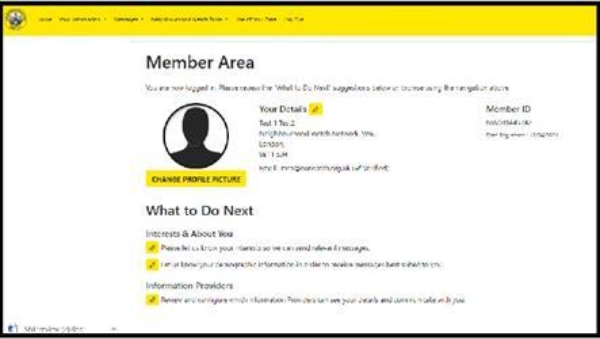
Information Providers These are who you have selected to receive messages from and who can see your data on the membership database. The precise organisations that you will receive messages from are varied from area to area. The Information Providers (IP) are: We would suggest to you that you select all of them, to be fully informed about crime and community matters that will help you and your community know about proactive initiatives to reduce risk of crime and help you support others to be informed too.
Important information if you de-select Neighbourhood Watch If you de-select Neighbourhood Watch as an Information Provider, then you will no longer be a registered member of Neighbourhood Watch. The ramifications of this are that you lose the value and benefits that membership bring to a member. Ability to receive local and national information and updates from Neighbourhood Watch, lose benefits of cheaper home insurance, invitations to events, and your local and national Neighbourhood Watch Administrators (MSAs) will not be able to see or contact you on the database. You will be unable to be recognised as a Coordinator and have your scheme approved.
How to change your IP selection We hope this small guide helps you get better connected with information both in your local areas and nationally. Best wishes
| ||
Reply to this message | ||
|

|
